
What your front desk should ask AI to do first, and what to never hand it
A simple two-column sort of daily admin work tells a front desk what AI can draft or summarize today and what always stays with a person.
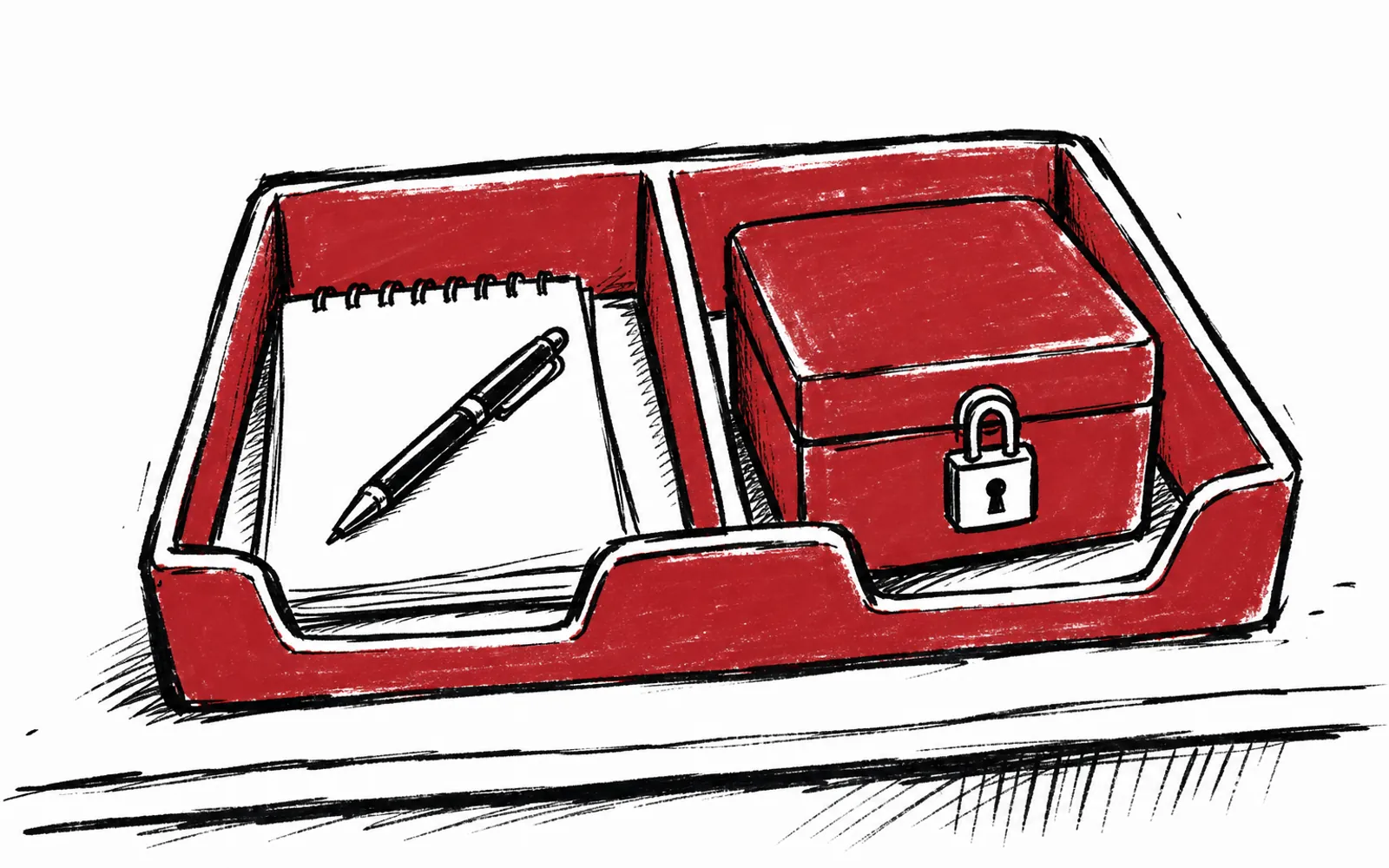
The desk phone is ringing, three voicemails are backed up, and a stack of appointment confirmations all need polite replies before lunch. Anyone who has worked a front desk at a clinic, salon or professional services firm knows this exact hour of the day. The fix is simple and costs nothing: sort the day's admin into two columns, what AI can draft or summarize and what a person must handle, before anything is handed over.
The two-column sort
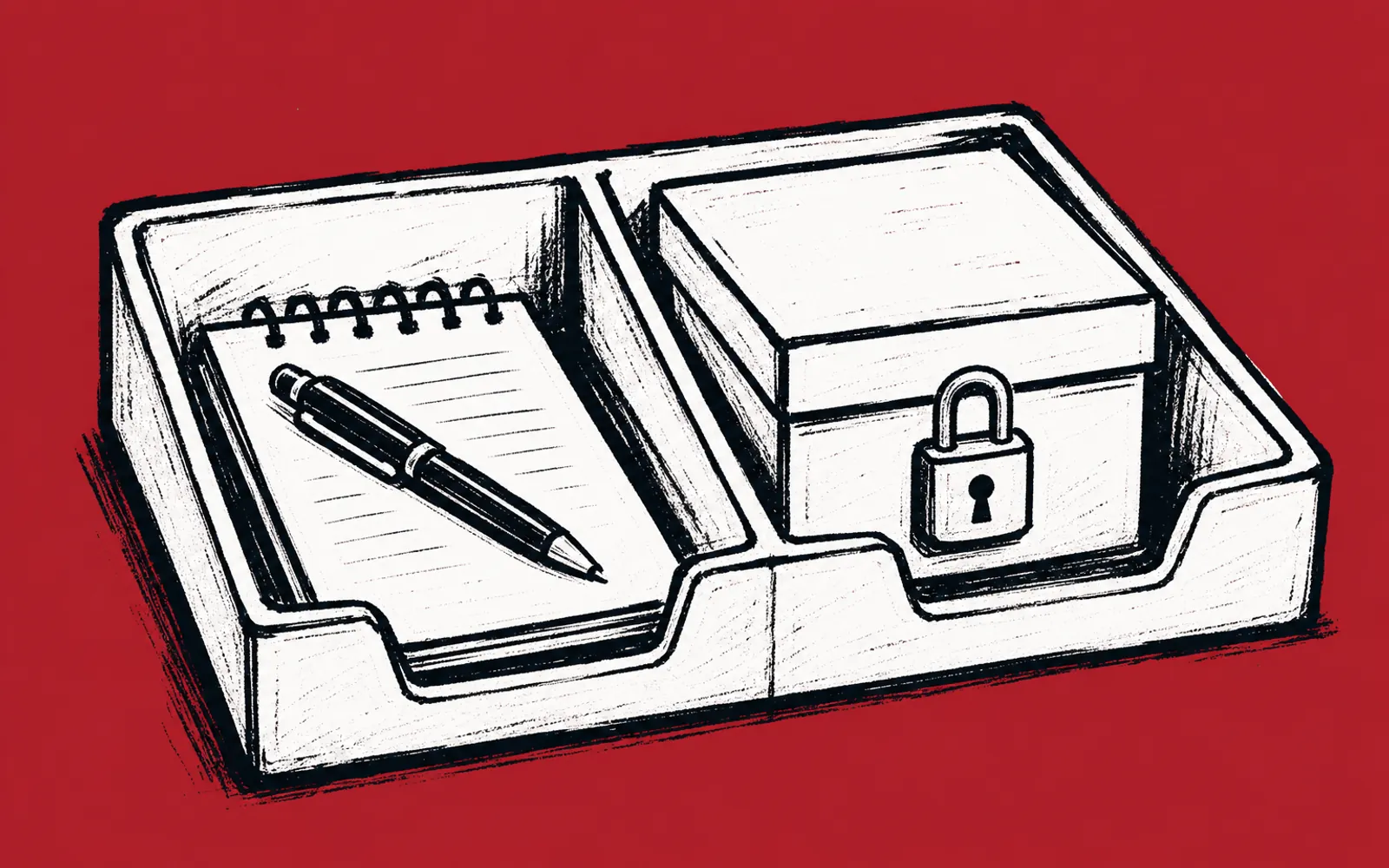
Take one real day and write down every task the front desk touches. Then put each task in one of two columns. Column one is work where AI produces words: drafting appointment confirmations, writing reminder messages, summarizing a long email thread into three bullet points, turning voicemail notes into a clean callback list, or polishing a reply that has already been thought through. Column two is everything involving patient, client or payment details: insurance questions, billing disputes, medical information, legal details about a client's matter, and any record tied to a named person's money or case.
The sort works because it separates the writing from the deciding. AI is genuinely useful at producing a first draft of routine, low-stakes text. It is the wrong tool for anything that requires judgment about a specific person's private details or money, and those tasks should not be typed into a chat window at all. A person reads the situation, checks the record and gives the answer.
A simple rule for spotting what is off limits
When a task is not obviously safe, apply one test: does this task create, change or reveal a record about a specific person? If yes, keep it with a person. Confirming that Mrs. Alvarez has an appointment Tuesday is fine to draft, because the reply only says when to arrive. Answering whether her insurance covers the visit, explaining why her card was charged twice, or discussing her treatment is not. The same test catches payment details, account numbers and anything a client would expect to stay private.
This test also protects the desk from the most common mistake, which is pasting a whole incoming email into a chat window to ask for a draft reply. The incoming email often contains the private details in column two. Draft from the desk's own notes instead, with the name and time, and leave the rest of the record alone.
The first task to try
The best first task is drafting appointment confirmations and reminder replies, because the work repeats, the wording is short, and a person reviews the result before it goes out. Here is how to run it in the next hour using a general AI assistant such as ChatGPT or Claude. Note that a free account is enough to test this, though owners usually end up with one paid AI subscription, paid directly to the tool company.
- 01List five real appointments
Write down first name, day, time and service type for five upcoming visits, nothing else.
- 02Open the AI assistant
Start a new chat in ChatGPT or Claude and begin a draft message.
- 03Give it the pattern
Type: draft a short, warm confirmation reply for each appointment, using only the name, day, time and service, no other details.
- 04Paste your list
Add the five appointments under the instruction and send.
- 05Edit each reply
Read every draft, fix anything that sounds wrong for your office, and add details from your own records where needed.
- 06Send from the desk
Copy each finished reply into the channel you already use, email or text, and send as usual.
- 07Save the instruction
Keep the working prompt in a note so the next batch takes one paste instead of a rewrite.
The review step is the whole safety mechanism. AI drafts, the desk approves. Until a pattern has been checked a dozen times, every draft gets read by a person before it reaches a client. After a week of confirmations, the same pattern extends to summarizing long email threads into bullet points for the owner, and turning a morning of voicemail notes into a callback list with names and numbers.
Who this fits and who it does not
This approach fits office managers and front desk staff at clinics, salons and professional services firms, anywhere routine writing piles up faster than the phone stops ringing. It does not fit work that is mostly judgment: billing disputes, intake questions that touch private details, and anything where the answer depends on a record about a specific person. Those tasks were never good candidates, and the two-column sort exists to keep them out.
If the desk wants help beyond a self-run test, paid help exists and the numbers are published. Texas AI Lab sells AI Concierge, a person who works alongside the owner, and hands-on team training. Both are priced in the open, so an office manager can compare the cost against the hours the front desk spends on routine writing.