
What happens when you paste customer data into ChatGPT, and what to do instead
A real customer email, an intake form, a name and phone number. You paste it in, the rewrite is great, and then you wonder where that text just went. Here is what happens and three safer ways to get the same help.
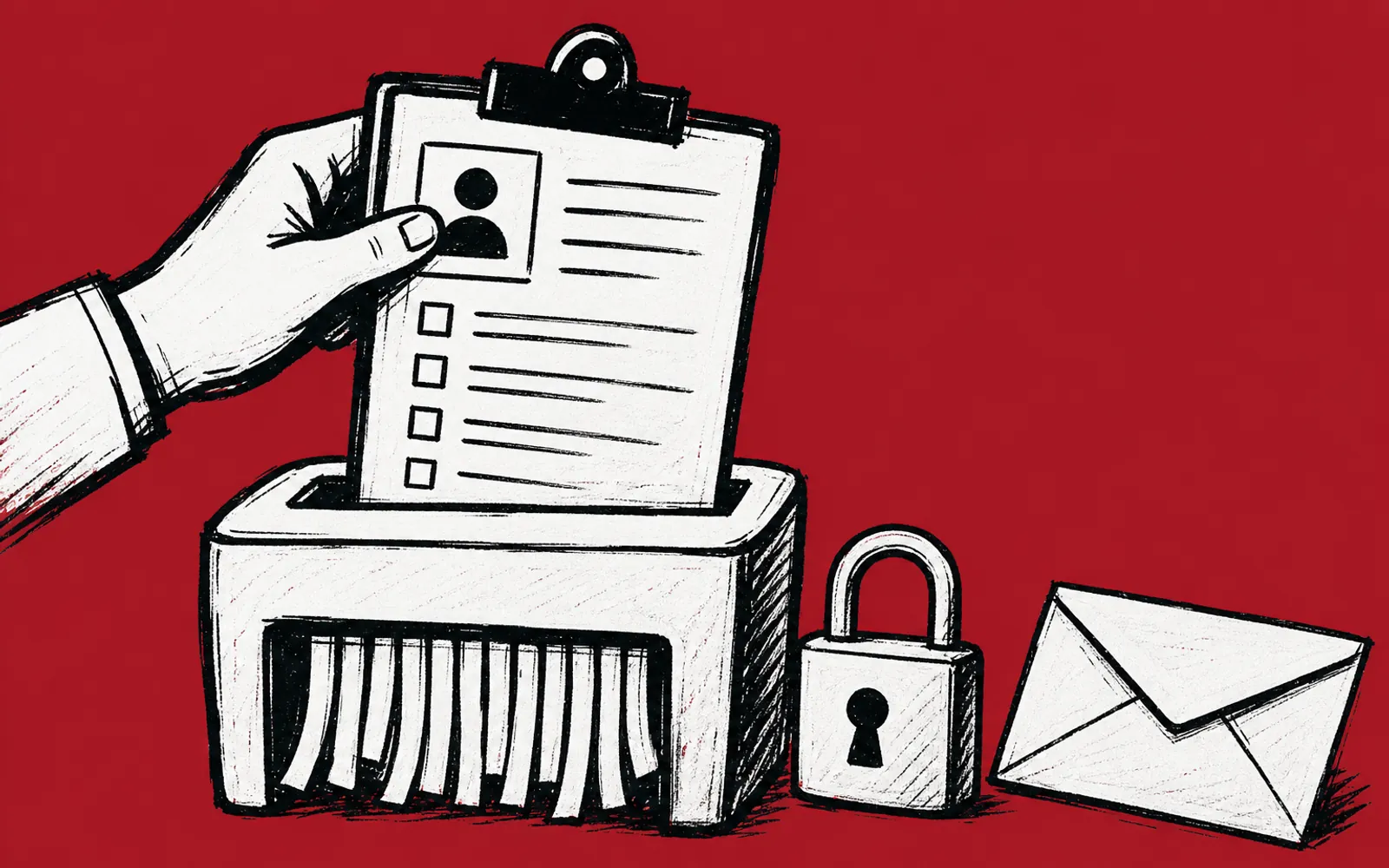
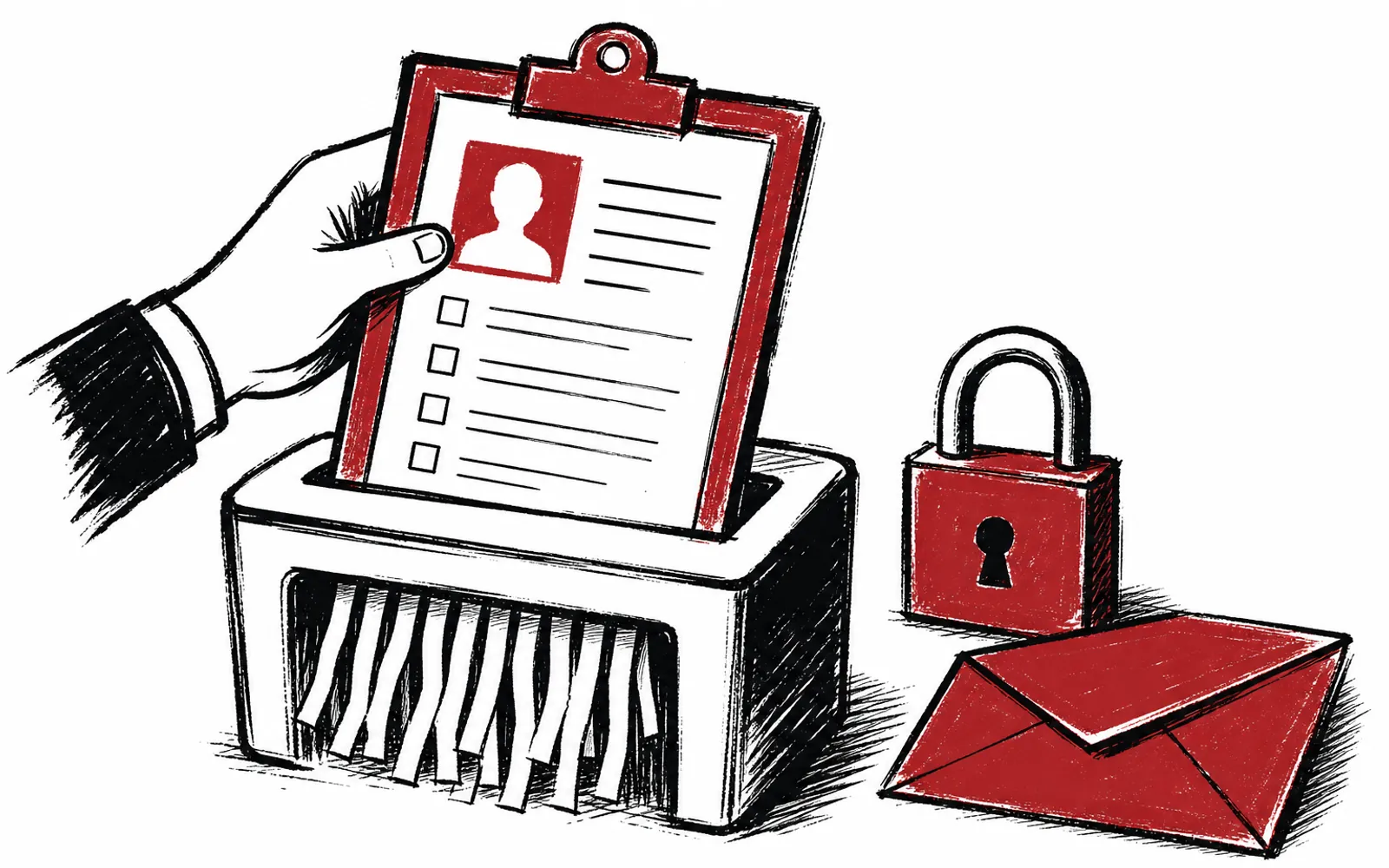
It usually starts small. A customer sends a long, messy email, and you paste the whole thing into ChatGPT to get a cleaner reply drafted. Or you drop in an intake form with a name, phone number and address so the AI can turn it into a summary. The output is good, so you do it again the next day. Then one afternoon you pause with the cursor over the text box and wonder what actually happens to what you paste. This piece answers that question plainly, and gives you three safer ways to get the same help without handing over customer details.
What happens to the text you paste
OpenAI states it plainly in its own help pages: for individual users, the company may use content submitted to ChatGPT and its other consumer services to improve model performance. That can include your prompts, the model's responses, and other content such as images and files, depending on your settings. In plain words, the text you paste into a free or personal ChatGPT account can become part of what the company uses to train its models.
One more fact worth knowing. You can clear specific chats or all your history at once, and OpenAI says cleared chats are deleted from its systems within 30 days, unless they have already been de-identified and disassociated from your account, or the company has to keep them for security or legal reasons. Clearing history is a reasonable habit, but it is not the same as never having pasted the details in the first place.
What kinds of details actually leak
Research on real human-chatbot conversations shows people share more than they realize. A study of one million user-GPT interactions, using the WildChat dataset collected with user consent, found personally identifiable information appearing in unexpected places, including translation tasks 48% of the time and code editing 16% of the time. Personally identifiable information, or PII, means details that can identify a specific person, such as names, phone numbers, addresses and account numbers. The study also found that flagging PII alone misses sensitive topics people raise in ordinary chats, and it called for better nudging mechanisms to help users moderate what they share.
For a Texas business owner, the same pattern applies to customer work. A plumbing intake form carries a name, address and a note about being out of town next week. A clinic intake form carries health details. A real estate inquiry carries a client's finances and timeline. None of it looks like a data breach when you paste it. It is still customer information leaving your control.
Three safer ways to work
The risk is manageable. None of this means an owner should avoid AI tools. It means deciding, before pasting, which lane the task belongs in. Here are the three lanes.
1. Anonymize before you paste
The cheapest fix is to strip the identifying details before the text leaves your screen. Replace the customer's name with Customer, swap the real address for a placeholder, and delete phone numbers and account numbers you do not need for the task. A prompt like rewrite this reply to be shorter and friendlier works just as well on a message that reads Customer instead of Maria Gonzalez. The AI does not need the identity to fix the tone, tighten the summary or structure the follow-up. Build the swap into a routine: names, addresses, phone numbers, account numbers and health or financial details come out first, every time.
2. Use a business tier
OpenAI's own policy draws a line between consumer and business use. By default, the company says it does not use content submitted through its business offerings, such as its API, ChatGPT Business and ChatGPT Enterprise, to improve model performance, unless you explicitly opt in to share your data. If your team uses AI daily on real customer work, a business tier is the structural fix, because the default changes at the account level rather than relying on each person remembering to anonymize. The exact price and plan details depend on the vendor, so check with OpenAI before committing.
3. Keep sensitive work offline
Some work should not go to any chat tool, consumer or business. UT Austin's Information Security Office, which publishes guidance on generative AI use, allows public or published data to be used freely with AI tools, but restricts controlled or confidential data to AI tools covered by contracts that protect the data, keep it out of model training, and isolate it in a separate instance. Unauthorized AI tools without those contracts are prohibited. A small business can borrow the same logic: classify your own data, and decide that health details, financial records and legal matters stay out of AI tools until you have a contracted, protected setup. Not every task needs AI. Some just need the file open and the door closed.
Make it a team rule, not a personal habit
The gap between an owner who anonymizes and a team that anonymizes is where most leaks happen. One person pastes carefully at 9 a.m., and someone else on staff pastes a full intake form at 4 p.m. because nobody told them the rule. The fix is a written set of safe-use ground rules everyone knows: what gets anonymized, what goes in a business tier account, and what stays offline.
This is where Texas AI Lab fits. Its AI Training for Business is hands-on, built on the approved real work your people already do, on Zoom or in person at your office, for one owner or a whole staff. People leave with take-home routines, safe-use ground rules and a follow-up check-in, and a plan and quote come within one business day of telling them about the room. If you want the same rules set with an individual person instead, AI Concierge is a real person from the team who works alongside you on real tasks, two 1-hour calls a month with voice messages and email between. The first step is a free 25-minute fit call on Zoom that looks at two tasks that repeat in your week.
- 01List your data types
Write down the customer details your business touches: names, addresses, health notes, financial records.
- 02Sort them into lanes
Decide what is safe to paste, what must be anonymized first, and what stays offline entirely.
- 03Write the swap rules
Set the routine: names, phone numbers, addresses and account numbers come out before pasting.
- 04Check your account tier
If the team uses AI daily on real work, review a business tier, which by default keeps content out of model training.
- 05Clear old history
Delete chats that hold customer details; OpenAI deletes cleared chats within 30 days unless kept for legal or security reasons.
- 06Teach the team
Walk the staff through the rules, or book training that builds them into hands-on practice on real work.