
How to write a service quote template AI can fill in for you
Build the quote structure once, hand AI the job details, and turn evening estimate writing into a five-minute task.
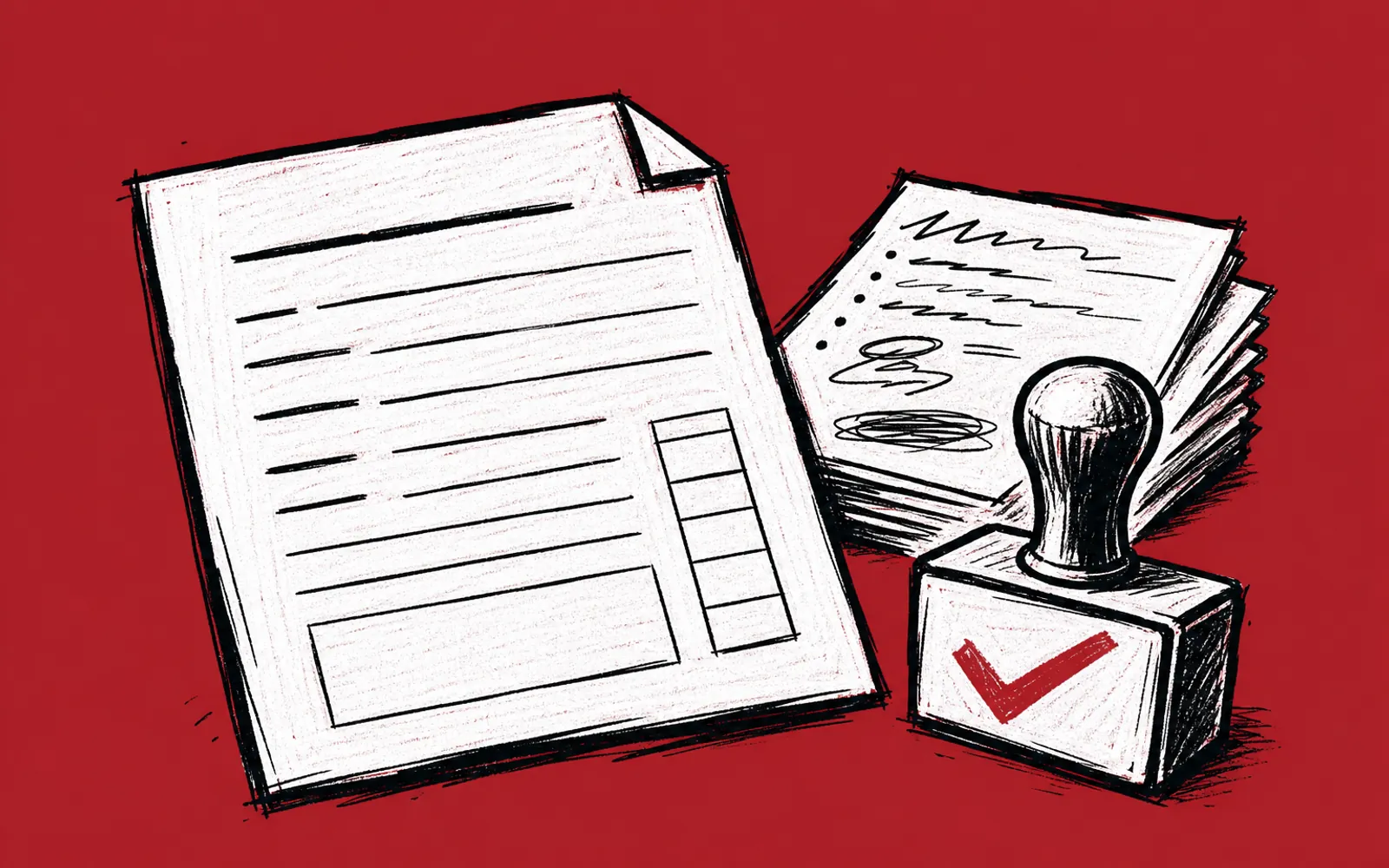
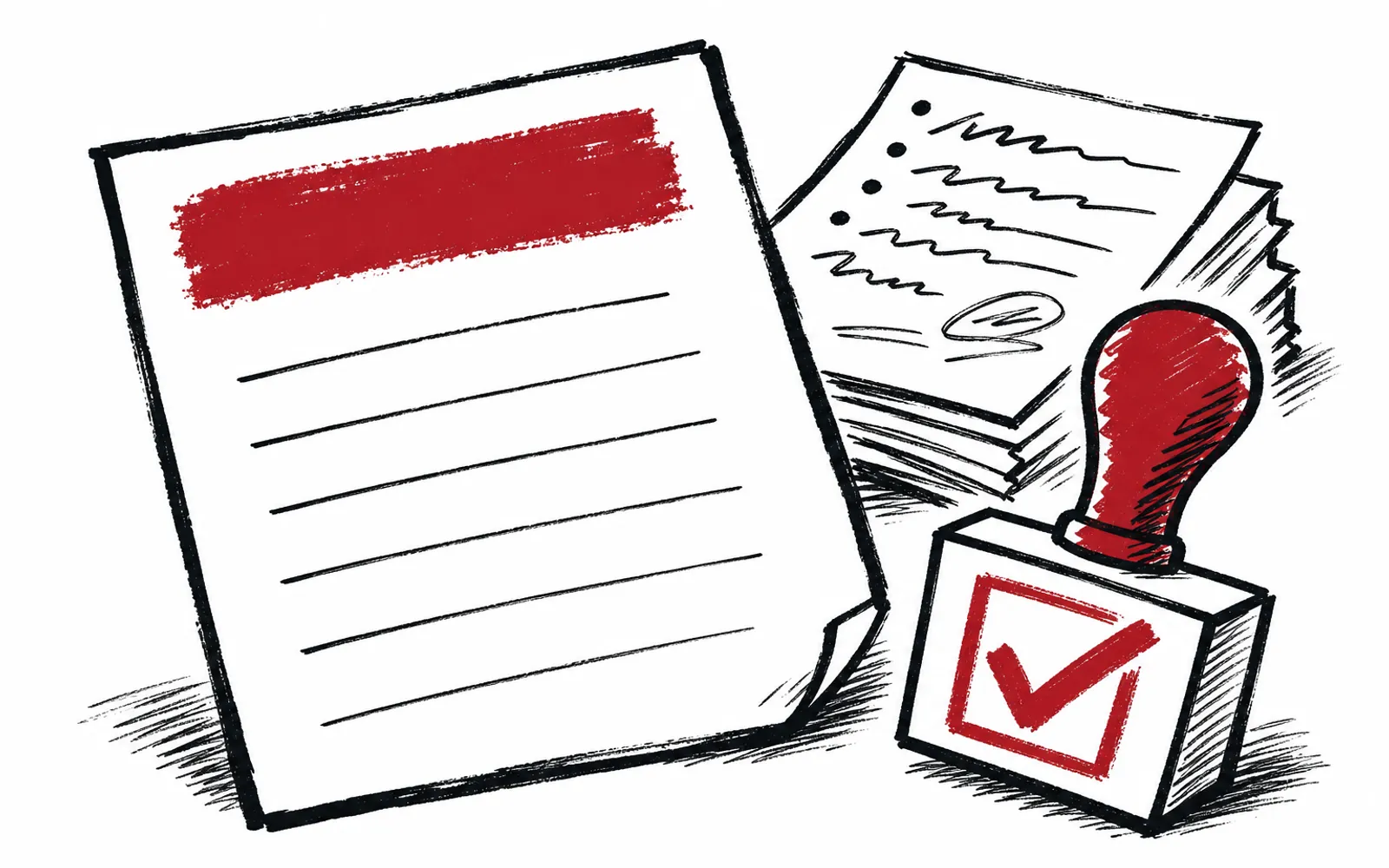
It is 9 p.m. and the contractor is at the kitchen table with a page of scribbled notes from the job site. The customer wants the estimate by tomorrow, and writing it means another hour of typing line items, remembering labor rates and second-guessing the wording. A reusable quote template that AI fills in takes that job from an hour to minutes. The work happens once: the template and the prompt get built on a quiet evening, and every estimate after that is a matter of pasting in the job details.
Why a template comes first
AI writes a bad quote when it has to invent structure, prices and terms on the spot. It writes a good one when the structure is already fixed and its only job is to place the right details in the right slots. The template is the difference between asking AI to write an estimate and asking AI to fill in a form. The first request produces guesswork. The second produces a draft the contractor can check in a few minutes.
A prompt, in plain words, is the instruction a person gives an AI tool such as ChatGPT or Claude to tell it what to do. The prompt below carries the template inside it, so the contractor only ever types the job-specific details.
What goes in the template
A solid quote template has fixed sections that never change from job to job, and fields that change every time. The fixed sections are the business identity and the terms. The fields are the job-specific facts.
- Header Business name, license number, phone and email, quote number and date.
- Customer block Name, address of the property, and how to reach them.
- Scope of work What the job includes, written as short bullet points the customer can scan.
- Exclusions What the job does not include, stated plainly so nothing is assumed.
- Line items Materials, labor and any subtotals, with a place for tax handling.
- Terms Deposit amount if any, payment schedule, how long the price is good for, and warranty wording.
- Signature line A place for the customer to accept the quote.
The exclusions section earns its keep. When AI drafts the scope from a voice note or messy notes, it tends to describe only what was mentioned. A fixed exclusions field forces the contractor to state what is left out, which prevents the most expensive kind of misunderstanding.
The fill-in prompt
The prompt is saved once, in a notes app or a text file, and pasted into ChatGPT or Claude at quote time. It should read something like this, adjusted to the business's real numbers and terms.
You write quotes for [business name], a [trade] company in [city], Texas. Use this exact structure: header with quote number and today's date, customer block, scope of work as bullets, exclusions as bullets, line items with materials and labor, total, terms, signature line. Our standard terms are: [deposit terms, payment schedule, how long the price holds, warranty]. Our labor rate is [rate]. Write in plain English a homeowner can read, no jargon, no upselling. Here are the job details: [paste notes]. Fill in every field, mark anything missing as NEED INFO, and do not invent prices or materials I did not give you.
The last line matters most. Telling the AI to mark gaps instead of filling them is what keeps a made-up number out of a customer's hands. If the output says NEED INFO next to a line, the contractor fills that gap personally before sending.
The checking routine
Nothing goes to a customer without a check. The routine is short because the template already holds most of the risk.
- 01Read the scope aloud
Every bullet should match something the contractor actually saw on the job site.
- 02Verify every price
Compare each line item against the notes or supplier quotes, not memory.
- 03Check the math
Add the line items once by hand or in a calculator to confirm the total.
- 04Read the exclusions
Make sure anything the customer might assume is included is named as excluded.
- 05Scan the terms
Confirm deposit, schedule and price-hold dates match what the contractor intends.
- 06Fix NEED INFO gaps
Replace every NEED INFO marker with a real figure before sending.
The routine takes a few minutes. That is the honest limit of the method: AI produces the draft, but the contractor owns the numbers. Any tool that promises a quote safe to send without a human check is promising something no one can deliver.
When a quote is unusual
The template handles repeat work best: the jobs the crew does every week, where the line items are familiar. A job with odd conditions, a permit question or a price the contractor has never charged before needs more of the human. In those cases the template still helps, because it forces the scope and exclusions to be written down, but the numbers come from the contractor's own judgment, and the AI draft gets read twice instead of once.
For owners who want help building this into daily follow-up rather than working it out alone, Texas AI Lab, based in Williamson County, offers a service called AI Concierge where a person from the team learns the business and works alongside the owner, including on small setups like this one. Its free first step is a 25-minute fit call on Zoom that looks at two tasks repeating in the owner's week and picks a first result worth having. Owners usually need one AI subscription, such as ChatGPT or Claude, paid directly to the tool company, and any cost is named before anything is bought.