
How to set safe-use ground rules before your team starts using AI at work
Write one page of plain rules covering approved tasks, what never gets pasted in, and what to do when the output looks wrong. Hand it out before anyone opens ChatGPT or Claude.
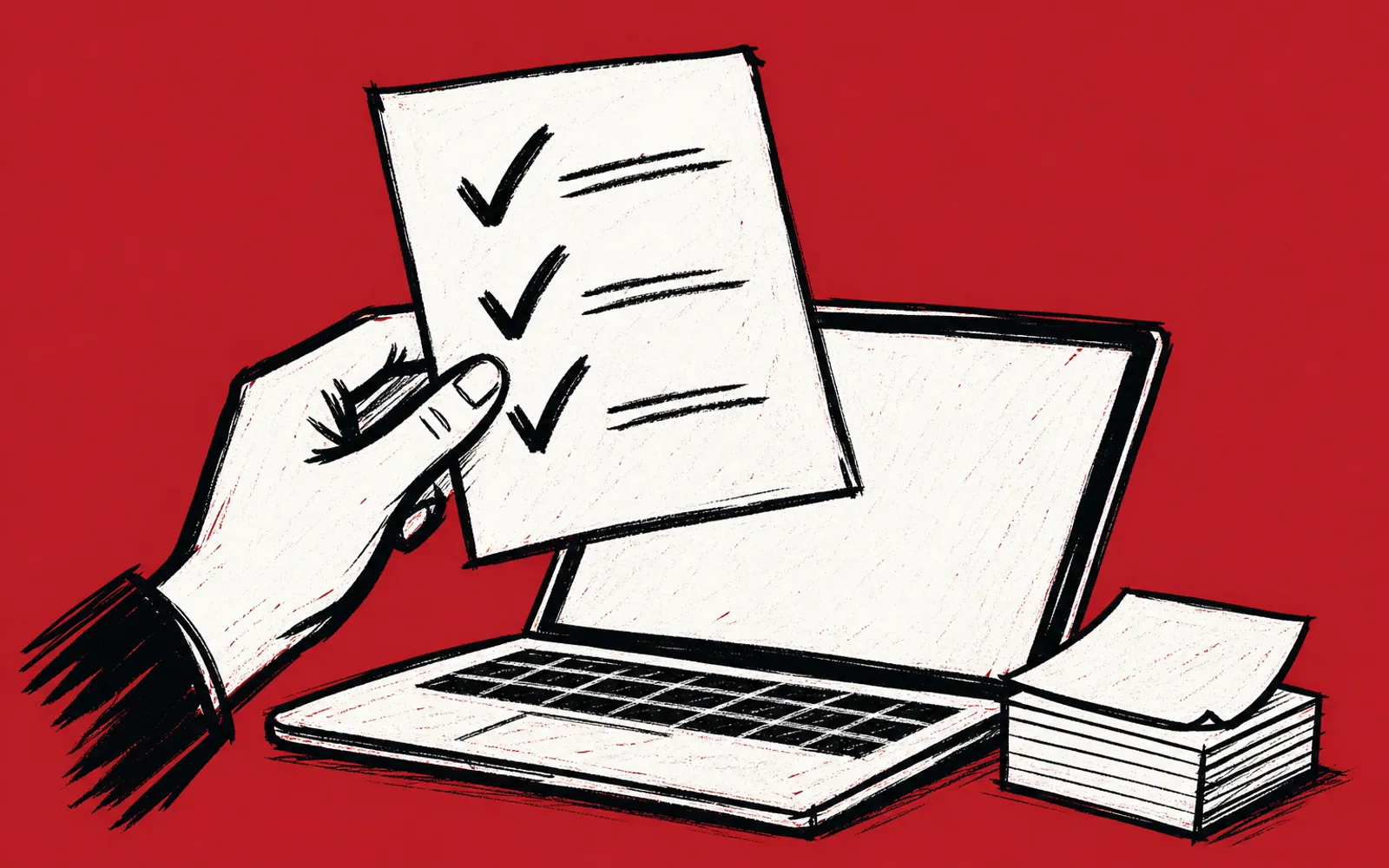

By the end of this guide you will have a one-page set of ground rules you can hand your team before anyone starts using ChatGPT or Claude at work. The page covers three things: which tasks are approved, what never gets pasted into a chat, and what to do when the output looks wrong. Before you start, you need two things: access to an AI tool, and a short list of tasks your team repeats every week.
Keep the rules short and plain. A page nobody reads protects nobody, so aim for rules a new hire could follow on day one without asking a question. Write them in your own words, in the words your team already uses for the work.
Write the rules
- 01List the approved tasks
Write down three to five tasks your team repeats every week, such as drafting replies, summarizing notes or writing first-pass descriptions, and mark these as the tasks AI is for.
- 02Write the never-paste list
List what must never go into a chat window: customer records with real names, payment details, contract terms, passwords, and anything a customer would not want shared outside your business.
- 03Set the check rule
State plainly that a person reads every output before it goes to a customer, and that the person who sends it owns what it says.
- 04Define the wrong-output step
Write one instruction for when output looks wrong: do not send it, note what the tool got wrong, and ask the owner or manager before trying again with the same material.
- 05Name the tool
State which tool the team uses, such as ChatGPT or Claude, and say that any other tool needs your approval first.
- 06Add a who-to-ask line
Name the one person on the team who answers AI questions, so nobody stalls or guesses when a rule is unclear.
- 07Read it out loud
Read the page out loud once. Any rule that takes more than a sentence to say, cut or shorten.
- 08Hand it out and walk through it
Give the page to the team, read it together in one sitting, and ask each person to name one task from the approved list they will try first.
Where teams get stuck, and the fix
The list of never-paste items feels endless
If you cannot list every sensitive item, flip the rule. Instead of listing everything that is off limits, write one test: never paste anything a customer would not want read aloud in a public place. Then add the few hard examples from your business, such as payment details and passwords. One test plus three examples reads faster than a long list.
Nobody follows the rules after week one
Rules stick when they are attached to real work. Build your rules around two or three tasks your team actually does each week, not around AI in general. Texas AI Lab's training runs this way: sessions are hands-on, built on approved real tasks from your own operation, and people leave with routines they can run the following week along with safe-use ground rules and a follow-up check-in. A rule tied to a task the team did that morning is easier to keep than a rule about AI in the abstract.
The team treats wrong output as a tool failure
Wrong output is a normal part of working with AI, not a reason to stop. Put the fix in the rules: the reader checks the work, edits what is wrong, and moves on. If the same task goes wrong twice, that is the moment to bring it to the person named in your who-to-ask line. This keeps a bad draft from turning into either a sent mistake or an abandoned tool.
If you want help running this with your team
Some owners write this page in an hour and are done. Others want a person in the room who has done it before. Texas AI Lab offers two paths: AI Training for Business, which is hands-on training for one owner, a small group or a whole team, on Zoom or in person, built on the work your people actually do, or AI Concierge, where one person from the team learns your business and works alongside you. Training is quoted to fit the room, and a plan and quote come within one business day. The first step with either is a free 25-minute fit call on Zoom that looks at two tasks that repeat in your week and picks a first result worth having. You can also grab the free AI Starter Prompt Pack, ten prompts you can paste into ChatGPT or Claude today, before you talk to anyone.