
How a salon or spa front desk can answer booking questions with AI without giving away client details
The phone is ringing, a client is at the counter, and a text full of private details is sitting on your screen. Here is how to let AI draft the fast, warm replies while keeping every client detail out of the prompt.
- Safe desk questions are the generic ones: hours, pricing ranges, services, policies, prep instructions
- Strip names, phone numbers, appointment history, and anything a client told you in confidence before you type a prompt
- Use a two-step workflow: AI drafts, staff reads, edits, and sends
- Never paste a client's own message into the prompt. Retype the question in generic terms instead
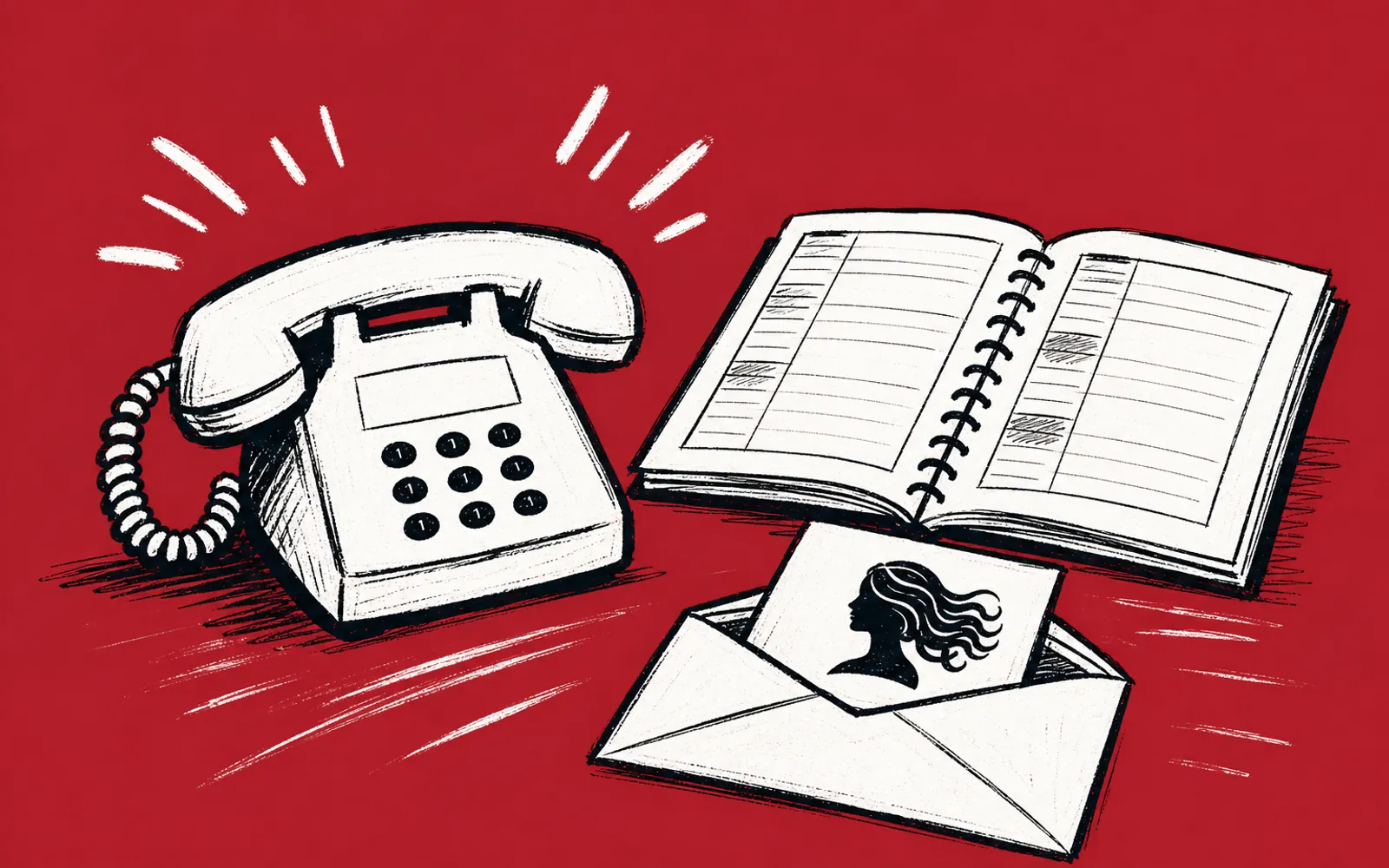
It is a busy Saturday. The phone is ringing, three texts are waiting, and a client is standing at the counter asking what a treatment costs. Meanwhile another client's text sits on the screen, full of details that should not go anywhere: her name, her number, the service she booked last month, the note about her scalp. The instinct is to copy that whole message into ChatGPT or Claude and ask for a quick reply. That instinct is the one to resist. This piece shows how to use AI to draft desk answers without putting any client details into it.
Which questions are safe to hand to AI
The test is simple. If the question could be asked by a stranger who has never set foot in your salon, it is safe. "What time do you close on Saturdays?" "What is a balayage?" "Do I need to come with clean hair for a color appointment?" "What is your cancellation policy?" None of those carry a client's identity. The same goes for opening hours, service descriptions, prep instructions, aftercare advice, parking, gift cards, and general price ranges.
Questions that are about a specific person are not safe. "When is Maria's next appointment?" "What did Jessica pay last time?" "Can you fit in my 3:15 regular who is allergic to ammonia?" Those questions live in your booking system, not in an AI tool. Answer them from your own software, where the access is logged and the data stays put. AI drafts the generic answers. Your calendar and your own eyes handle the personal ones.
What to strip out before you type
Never paste a client's message into the prompt, even when it would be faster. Retype the question in generic terms instead. Before you hit enter, check the prompt for five things: names, phone numbers and email addresses, appointment dates and history, prices tied to a specific person, and anything a client told you in confidence. If any of those are present, remove them. "A client asks whether she can rebook the same stylist she saw last month" is safe. "Maria Lopez, 512-555-0199, wants her usual stylist Danielle again" is not.
One habit makes this easy. Keep the client's original message open on one side of the screen, and type the prompt fresh on the other. You are translating, not copying. The warm, specific answer still comes from you, because you can see the details. The AI only supplies the structure and the wording.
The two-step workflow: AI drafts, staff sends
The workflow is deliberately short, because a Saturday desk does not have room for a process with eleven steps. One person drafts with AI. The same person or a second person reads the draft, fixes the tone or the facts, and hits send. Nothing goes out that a human has not read. That is the whole system.
- 01Sort the question
Decide whether this is a generic question (safe for AI) or a personal one (answer from your own system).
- 02Retype it generic
Write the question fresh in plain words, with no names, numbers, dates, or private details.
- 03Add your house context
Paste in your salon's own policies, service menu, or tone notes as generic text, so the draft sounds like your desk.
- 04Ask for a short, warm draft
Request a brief reply in your usual voice, and have the AI keep it under a few sentences.
- 05Read it as the client
Check the facts against your menu and policies, and cut anything that does not sound like you.
- 06Send from your desk accounts
Reply in your own texting, email, or booking system. The AI never touches the send button.
Before any reply goes out
Run a short checklist on every draft. Does it state a price or policy that is actually yours, or did AI invent a number? Does it name or hint at any client detail? Does it sound like your front desk, or like a corporate help desk? Would you be comfortable if the client read the prompt you typed, not just the answer? If all four answers are clean, send it. If not, fix it or write the reply yourself. The draft saved you the blank page, not the judgment.
This is also a good place to set a ground rule for the whole team: the person who sends the message owns it. If a client replies "but you told me it was $95" and the number was wrong, the fix is the desk's, not the tool's. That rule keeps everyone reading the drafts instead of trusting them blindly.
Where this saves real time
A front desk answers the same fifteen questions most weeks. Hours, parking, what a service includes, how long it takes, what to do before a facial, cancellation terms, gift card options. Once the team has drafted warm answers for those, the desk stops writing each one from scratch. The AI turns a rough note into a polite paragraph in seconds, and the staff member spends their attention on the person standing at the counter instead.